

















When drivers search for "Apple CarPlay installation near me" in 2025, they often find dozens of local options—car audio shops, mobile technicians, dealerships and retrofit specialists. However, the quality of work varies widely, and improper installation can create long-term electrical faults, CANBUS issues or intermittent CarPlay disconnections.
In practical terms, the safest way to choose an Apple CarPlay installer is to verify five things: the wiring method, experience with your exact vehicle, diagnostic capability, firmware support and real-world installation proof. The sections below walk you through each point so you can evaluate any “CarPlay installation near me” result before you book an appointment.
1. Verify the Installer’s Wiring Method for Apple CarPlay
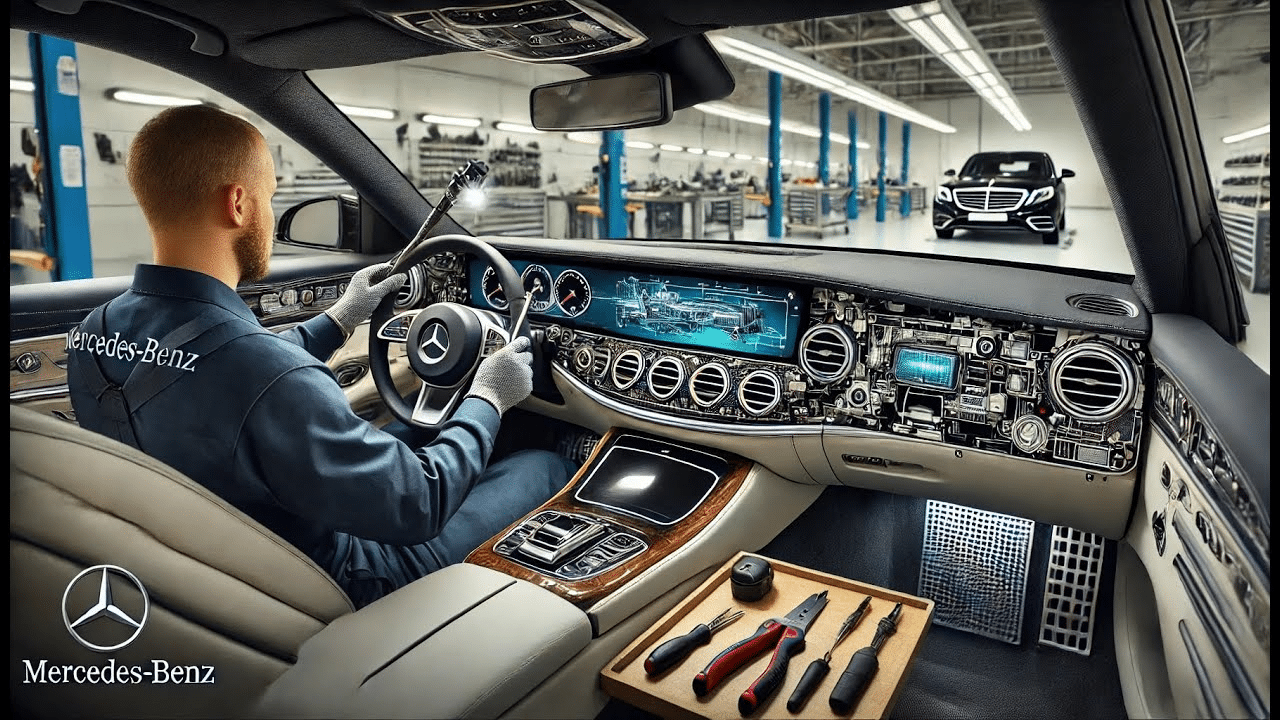
Any professional Apple CarPlay installation should use a plug-and-play harness that connects to the factory harness without cutting original wiring. Wire cutting introduces long-term electrical risk and can trigger issues with:
- Steering-wheel control (SWC) communication
- Factory amplifier audio routing and fade/balance
- Backup camera or 360° system initialization
- CANBUS error messages and random warning lights
Before you choose any shop that appears under “CarPlay installation near me”, ask directly whether they use vehicle-specific adapters and whether they avoid splicing OEM wires. If they cannot answer clearly, look for another installer.
2. Check Experience With Your Exact Vehicle Model
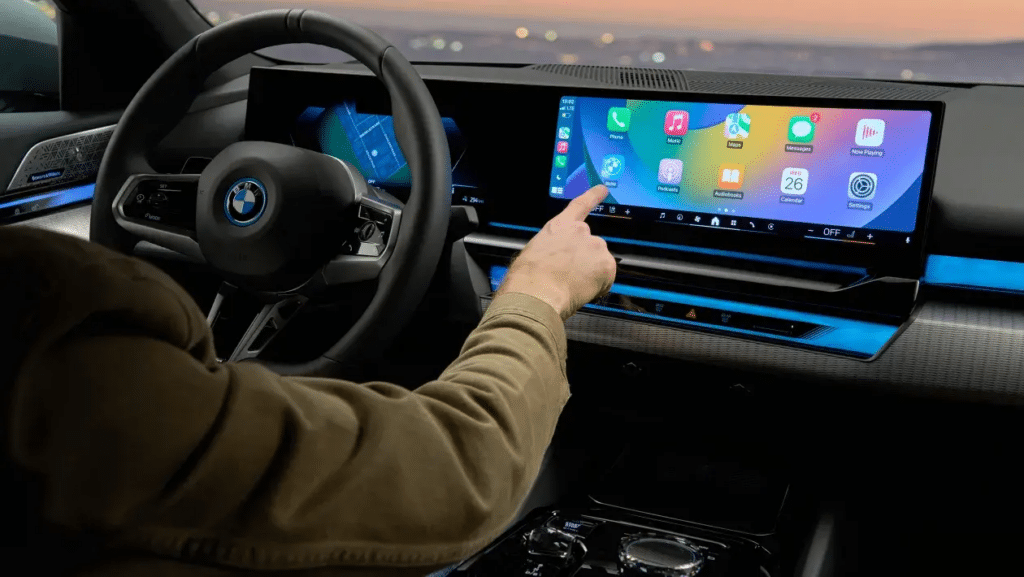
CarPlay installation requirements differ significantly between vehicles—even within the same model series and generation. These differences may include:
- Amplifier type and topology (Bose, JBL, Fender, Dynaudio, etc.)
- Factory camera format (CVBS vs LVDS vs digital)
- CANBUS protocol version and gateway behavior
- Screen shape, mounting bracket design and HVAC integration
Ask the installer to show photos, documentation or previous job records for your specific model, model year and audio package. A shop that regularly handles your vehicle is far less likely to leave you with no sound, warning errors or a poorly fitted screen.
3. Review Diagnostic Capabilities Before Installation
A qualified shop should be able to diagnose pre-existing problems before adding CarPlay. Typical issues they should be comfortable handling include:
- Random reboots or head unit freezing
- No audio output or only partial speaker channels
- Touch-screen delay or missed touches
- Black screen after ignition or after sleep mode
If your Android-based unit already shows signs of failure, it is usually better to fix the head unit first. Review our Android head unit repair guide or talk to a specialist before booking a CarPlay upgrade on a failing system.
4. Confirm Support for Firmware and CANBUS Updates
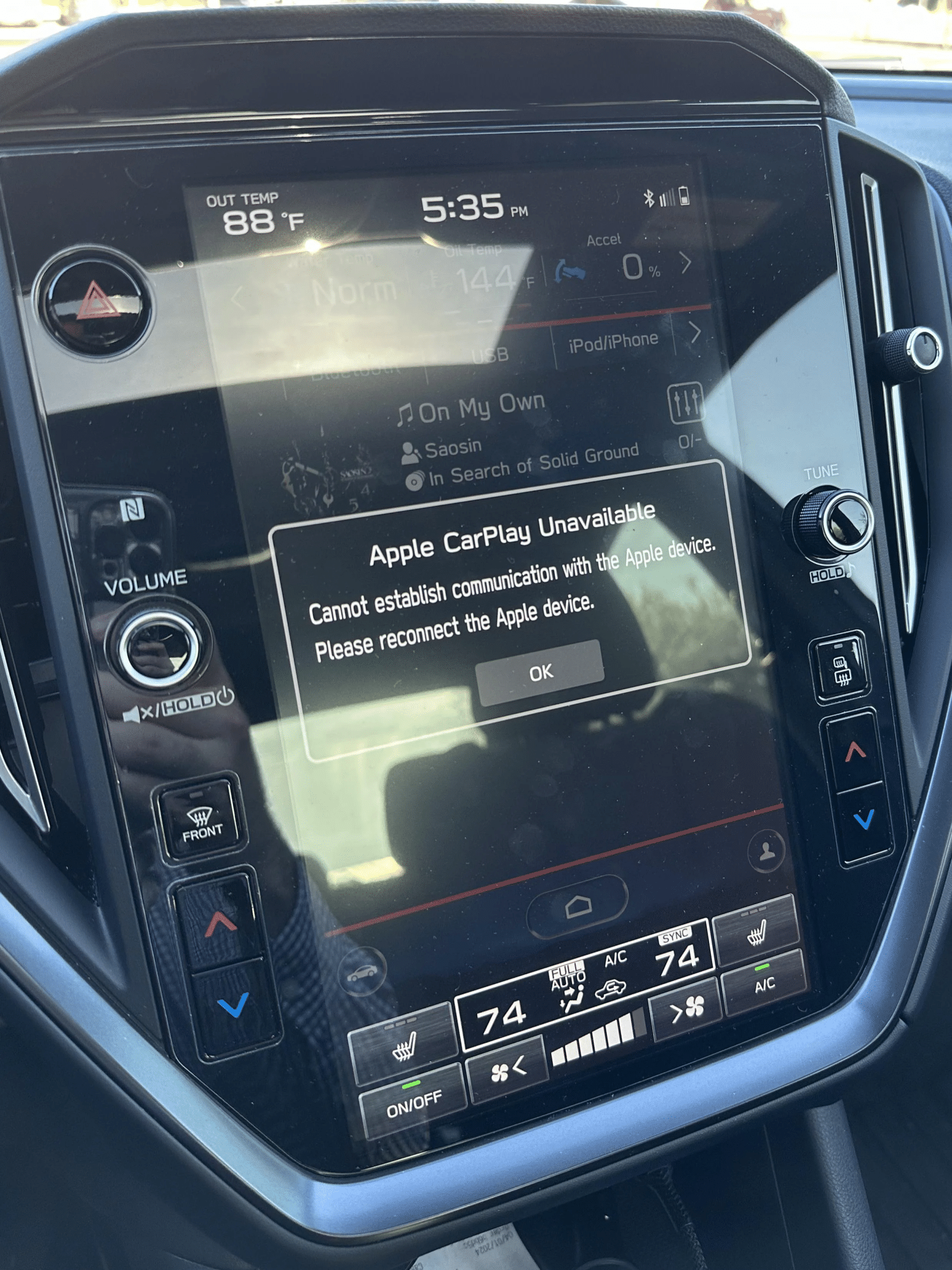
Many connectivity problems—CarPlay not connecting, audio delay, wireless dropouts or unstable Bluetooth—come from outdated firmware or MCU versions. Before you commit to any local Apple CarPlay installation, ask whether the installer can:
- Update the head unit firmware and MCU safely
- Reconfigure CANBUS and vehicle profile settings
- Test and adjust steering-wheel control mapping
- Verify microphone gain and echo cancellation in CarPlay calls
Shops that only “plug in the box and leave” without touching firmware or CANBUS settings cannot provide full support if CarPlay starts dropping or lagging after installation.
5. Evaluate Local Reviews Before Choosing an Apple CarPlay Installer
Local search platforms such as Google Maps and Yelp are useful filters when you are comparing several “Apple CarPlay installation near me” options. Instead of only checking star ratings, look for:
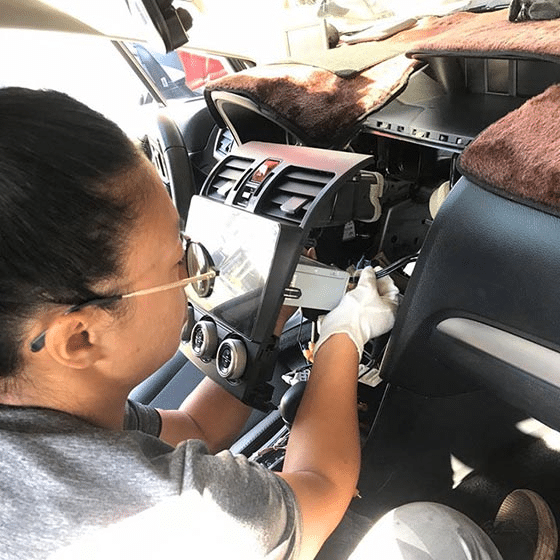
- Photos showing actual dashboard disassembly and reassembly steps
- Comments that mention electrical troubleshooting, not just “radio sounds good”
- Customer reviews that include your exact vehicle model and audio package
- Evidence that the shop repairs wiring issues and modules, not only swaps radios
Installers who document their work and explain what they fixed are usually more trustworthy than those who only post glamour shots of the CarPlay home screen.
FAQ – Choosing an Apple CarPlay Installation Near You
Is it safe to install CarPlay at any local shop?
It depends on their methods. A local shop is generally safe only if they use plug-and-play harnesses, avoid cutting factory wiring, and have real experience with your vehicle platform. Always confirm these points before booking.
How long does a local Apple CarPlay installation take?
Most straightforward installations require 45–120 minutes, but complex vehicles with factory amplifiers, 360° cameras or advanced CANBUS integration can take longer. Ask the installer for a time estimate based on your exact model year and options.
What should I bring to the installation appointment?
Bring your VIN, vehicle year and model, photos of the current dashboard and wiring, and any previous repair or retrofit records. These details help the installer confirm compatibility before they begin the Apple CarPlay installation.
What if my current screen or module is already failing?
If your existing screen, Android unit or OEM module is unstable, you may need repair or replacement first. Review available replacement components or contact a specialist for diagnostics before investing in a CarPlay retrofit.
